
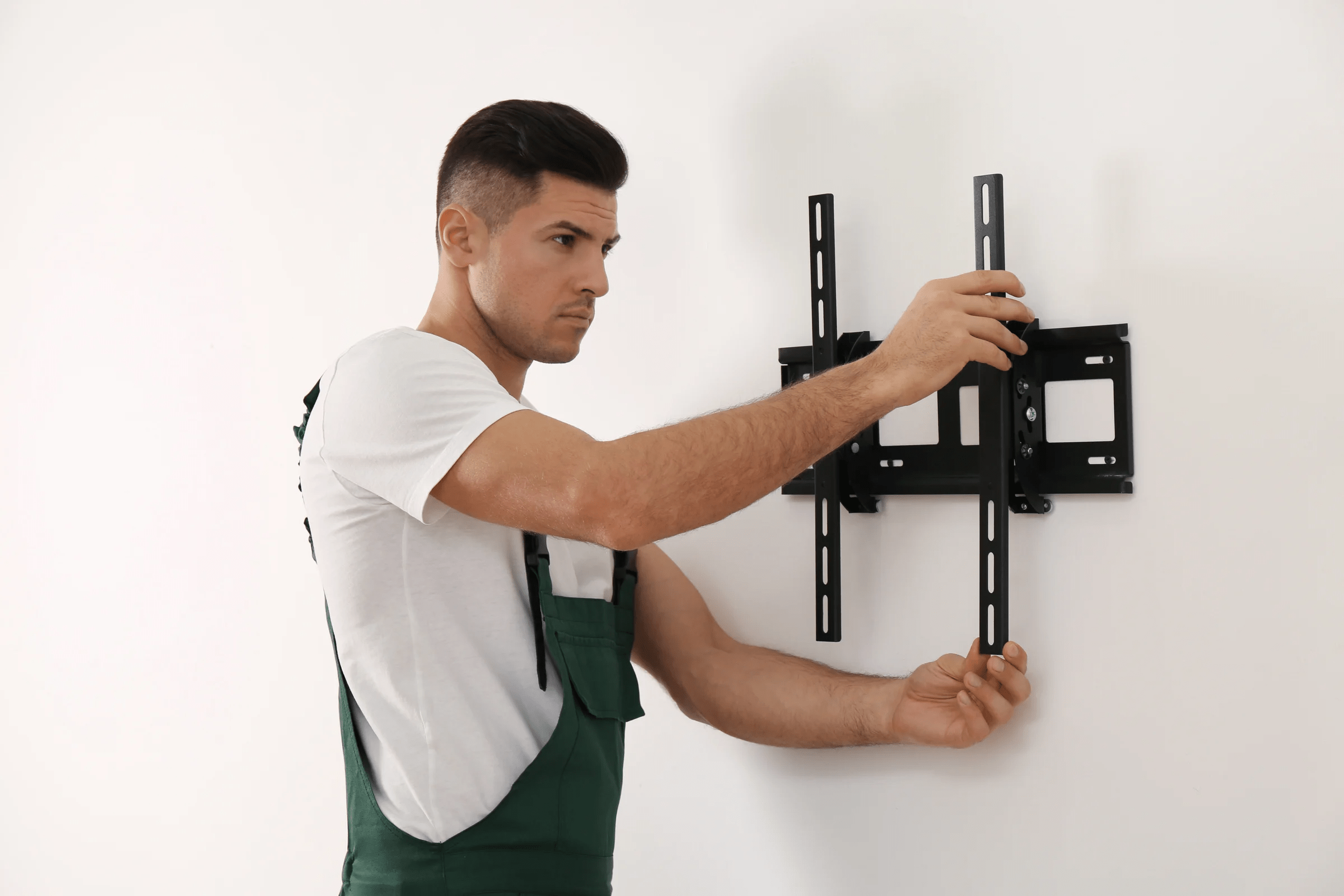
A flat TV wall mount is one of the easiest ways to upgrade your living space. It not only saves space but also gives your room a clean and modern look. Many people buy a smart TV but still place it on a table. This takes up space and often does not give the best viewing angle.
Wall mounting your TV solves these problems. But choosing the right mount and installing it properly is very important. A wrong choice can damage your wall or even your TV.
In this guide, you will learn everything you need to know about flat TV wall mounts. From types and sizes to installation tips and mistakes to avoid, everything is covered in simple language.
What is a Flat TV Wall Mount?
A flat TV wall mount is a bracket that allows you to attach your television directly to a wall. It holds the TV securely and keeps it in place.
Most modern TVs, like LED, OLED, and LCD, are designed to be mounted. They come with standard holes at the back, known as VESA patterns. These holes are used to attach the mount.
Wall mounts are made from strong metal and are designed to handle the weight of your TV safely.
Benefits of Using a Flat TV Wall Mount
1. Saves Space
One of the biggest advantages is space saving. You don’t need a TV stand or table. This is very helpful in small rooms or apartments.
2. Better Viewing Angle
When you mount your TV at the right height, it reduces neck strain. You can enjoy movies and shows comfortably.
3. Clean and Modern Look
Wall-mounted TVs look stylish. They give your home a neat and organized appearance.
4. Safety for Kids and Pets
A TV on a stand can fall easily. Wall mounting keeps it secure and out of reach.
5. Improved Cable Management
You can hide wires behind the wall or use cable covers to keep things tidy.
Types of Flat TV Wall Mounts
Choosing the right type is very important. Each mount serves a different purpose.
1. Fixed Wall Mount (Low Profile)
This mount keeps the TV flat against the wall.
Best for:
- Living rooms
- Bedrooms
- Straight viewing angle
Pros:
- Slim and clean look
- Affordable
- Easy to install
Cons:
- No movement
- Hard to access cables
2. Tilting Wall Mount
This allows you to tilt the TV up or down.
Best for:
- Mounting above eye level
- Reducing glare
Pros:
- Better viewing angle
- Reduces reflections
Cons:
- Limited movement
3. Full Motion (Articulating) Mount
This is the most flexible option. You can tilt, swivel, and extend the TV.
Best for:
- Large rooms
- Corner placement
Pros:
- Maximum flexibility
- Perfect viewing from different angles
Cons:
- More expensive
- Slightly bulky
4. Ceiling Mount
Mounted from the ceiling instead of the wall.
Best for:
- Commercial spaces
- Unique room layouts
How to Choose the Right Flat TV Wall Mount
1. Check TV Size and Weight
Always check your TV’s size and weight. Every mount has a weight limit. Choose one that can easily support your TV.
2. VESA Compatibility
Make sure the mount matches your TV’s VESA pattern. This is the distance between mounting holes.
3. Wall Type
Your wall matters a lot.
- Concrete wall → Strong and ideal
- Brick wall → Good support
- Drywall → Needs studs for support
4. Viewing Height
The center of your TV should be at eye level when you are sitting.
5. Room Layout
If you watch TV from different angles, go for a full-motion mount.
Tools Required for Installation
Before installing, gather these tools:
- Drill machine
- Screws and anchors
- Measuring tape
- Level tool
- Screwdriver
- Stud finder
Having the right tools makes the job easier and safer.
Step-by-Step Installation Guide
Step 1: Find the Right Spot
Choose a wall with proper support. Avoid weak or damaged walls.
Step 2: Locate Wall Studs
Use a stud finder to locate strong points in the wall. This is very important for safety.
Step 3: Mark the Holes
Hold the mount against the wall and mark where you will drill.
Step 4: Drill Holes
Drill carefully at the marked spots.
Step 5: Attach the Mount
Fix the mount securely using screws.
Step 6: Attach Brackets to TV
Fix the mounting brackets to the back of your TV.
Step 7: Hang the TV
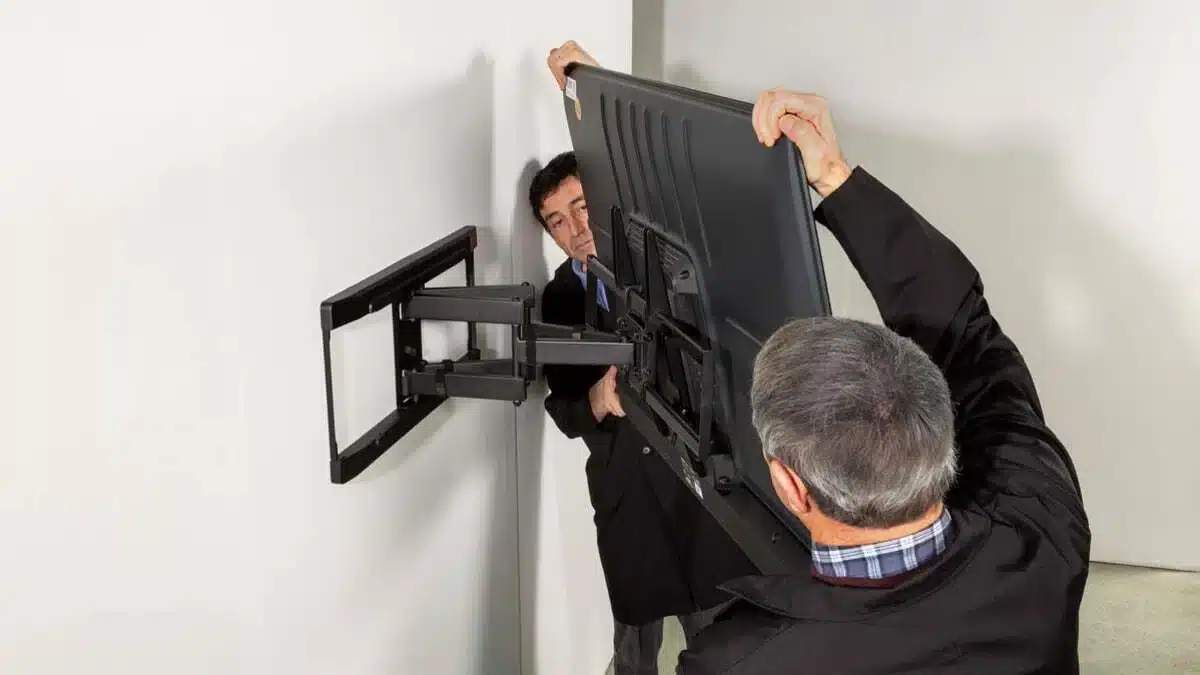
Carefully lift and attach the TV to the wall mount.
Step 8: Check Stability
Make sure everything is tight and secure.
Best Height for Mounting a TV
The ideal height depends on your seating position.
- For living rooms: Eye level when seated
- For bedrooms: Slightly higher
A general rule is that the center of the screen should be about 42–48 inches from the floor.
Common Mistakes to Avoid
1. Ignoring Weight Limits
Never use a mount that cannot handle your TV’s weight.
2. Wrong Wall Installation
Mounting on weak walls can be dangerous.
3. Incorrect Height
Too high or too low can cause discomfort.
4. Poor Cable Management
Visible wires ruin the look.
5. Not Using a Level Tool
A tilted TV looks bad and unprofessional.
Cable Management Tips
- Use cable covers
- Hide wires inside the wall
- Use clips to organize cables
Clean cable management improves the overall look.
Safety Tips
- Always double-check screws
- Do not mount alone for large TVs
- Keep children away during installation
- Use high-quality mounts
Safety should always come first.
Flat TV Wall Mount for Different Rooms
Living Room
Use a full-motion mount for flexibility.
Bedroom
A tilting mount works best for comfortable viewing.
Office
Fixed mounts give a clean and professional look.
How Much Does a TV Wall Mount Cost?
Prices vary depending on type and quality.
- Fixed mount → Budget-friendly
- Tilting mount → Mid-range
- Full-motion mount → Expensive
Installation cost may be extra if you hire a professional.
DIY vs Professional Installation
DIY Installation
Good if:
- You have tools
- You understand basic drilling
Professional Installation
Better if:
- You have a large TV
- Your wall is complex
- You want a perfect finish
Maintenance Tips
- Check screws every few months
- Clean dust behind the TV
- Avoid overloading the mount
Regular maintenance keeps everything safe.
Is Wall Mounting Better Than a TV Stand?
Wall mounting is better in most cases.
Wall Mount:
- Saves space
- Looks modern
- Safer
TV Stand:
- Easy setup
- No drilling required
If you want a clean and stylish setup, wall mounting is the better option.
Conclusion
A flat TV wall mount is a simple upgrade that makes a big difference. It improves your viewing experience, saves space, and makes your home look modern.
Choosing the right mount is very important. Always check your TV size, wall type, and viewing needs. Take your time during installation and follow the safety steps carefully.
If done properly, a wall-mounted TV can last for years without any issues.
FAQs
1. Can I mount a TV on any wall?
Not all walls are suitable. Concrete and brick walls are best. Drywalls need studs for support.
2. What size wall mount do I need?
It depends on your TV size and VESA pattern. Always check compatibility before buying.
3. Is it safe to mount a TV by myself?
Yes, but only if you have the right tools and knowledge. For large TVs, it’s better to get help.
4. How long does installation take?
Usually 1–2 hours, depending on your experience.
5. Can I hide wires after mounting?
Yes, you can use cable covers or hide them inside the wall.
continue reading
Related Posts
When you are wall-mounting any expensive and modern TV, it
A flat TV wall mount is one of the most
Homeowners looking to optimize their living spaces while still having